 Leina
Leina  Wanta
Wanta AI Says It’s Done. How Do You Verify the Result?
Define completion in the target system, check records and content, and handle uncertain outcomes after a timeout without duplicating work.
OOMOL
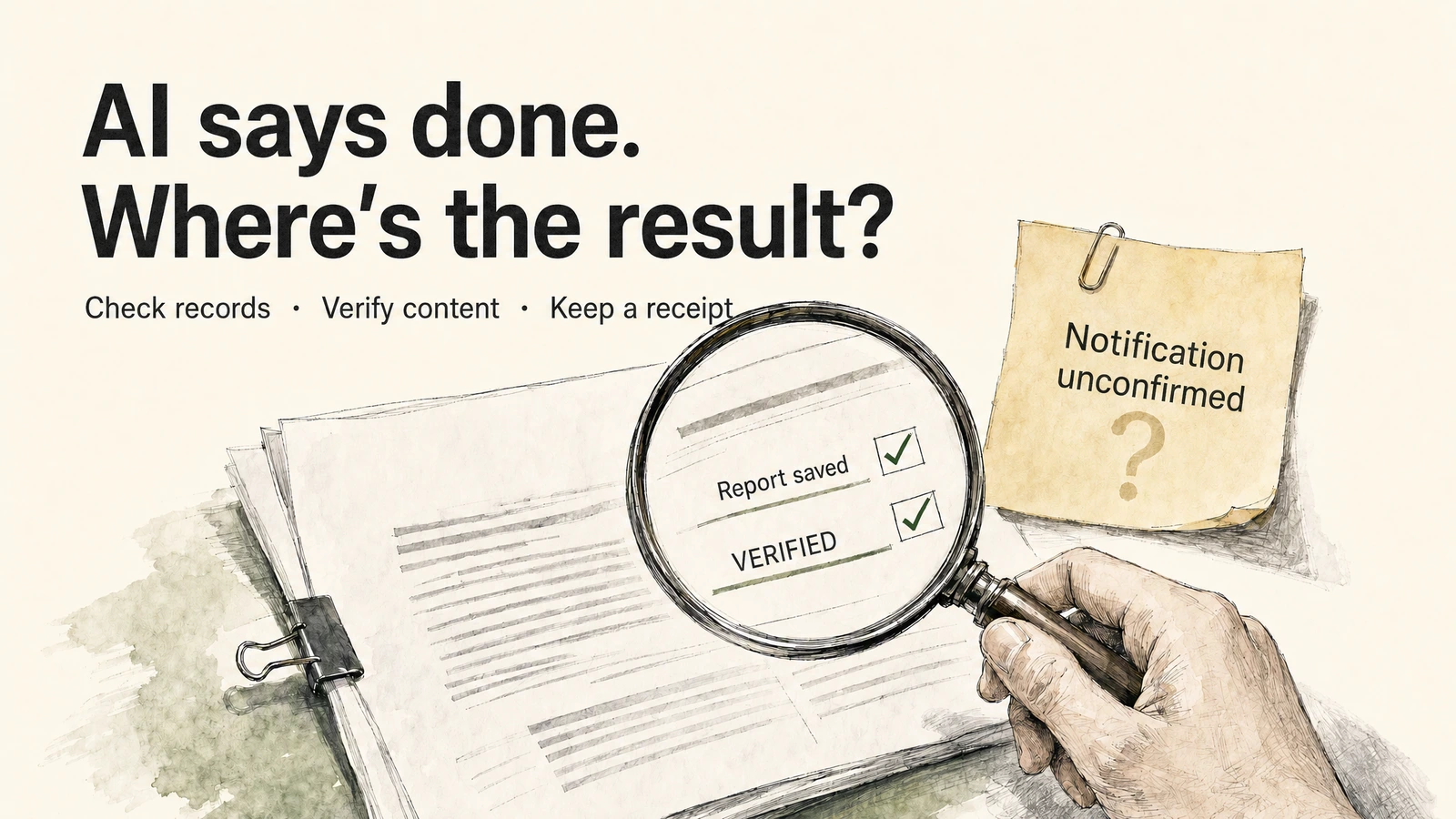
AI-generated conceptual illustration; content is a hypothetical example.
Suppose you ask an AI to save a report to the team docs, then notify the person responsible. A few minutes later, it replies: “Done.”
You open the document and find only a title and an opening paragraph; you check the notification, and there’s no message in the specified channel. Every tool call received a response, but the assistant treated those responses as proof of completion. Its report describes the calls it made rather than the result you requested.
The more systems a task spans, the easier it is to confuse a completed call with a completed task. The only question that really needs answering is: does the result the task required actually exist right now, where it’s supposed to be?
Define completion as a verifiable result
“Prepare the report and notify the team” works as a task summary, but it does not define how to verify completion. You can expand it into a set of conditions that can be verified in the target systems.
Take a weekly competitor report as an example:
| Task requirement | Completion condition (where it can be checked) |
|---|---|
| Prepare the report | Covers the specified period, retains source links, flags missing materials |
| Save the document | Located in the specified workspace and parent page, body matches the final draft |
| Notify the team | Appears in the specified channel, the link in the message points to the document above |
| Deliver the result | Returns the document location, the notification record, and any incomplete or unverified items |
When writing completion conditions, specify “who can see it, and where.” If you only asked for a draft to be saved, you don’t need to notify the team; if you asked for colleagues to be able to read it, you also need to check the target members’ access permissions — the assistant’s own account being able to open the document doesn’t mean all recipients can open it.
“Already sent” and “the other party has read it” also need to be kept separate. A message appearing in the channel can support a judgment of “published”; without a read or confirmation record, you can’t go on to infer that the other party has seen it and followed up.
Three kinds of evidence answer different questions
Verification relies on three kinds of evidence. Each answers a different part of the question.
Tool response        What response did this call get?
                     Status, error, returned object identifier
                          │
Target record        Where did the result land? Can it be read back?
                     Document, message, record in the target application
                          │
Content check        Does the artifact meet the requirements?
                     Check the body, sources, missing items against the completion conditions
Tool response explains what happened during this call. The status field, error message, and returned object in the response are determined by the service being called; the specific meaning depends on the contracts of the tool and target API. If a document identifier is returned, you can use it to retrieve that document; from the identifier alone, you still can’t tell whether the body is complete.
Target record explains whether the result actually landed in the system. Use the returned identifier to re-read the document, or open the corresponding record in the target application, and verify the account, workspace, parent page, and content. When checking a notification, also look at the channel and the message itself — don’t search by a similar title and then assume you’ve found this result.
Content check explains whether the artifact can be delivered. A document can exist and still be missing a section; a report can carry source links and still cite data from the wrong period. This step must go back to the original completion conditions and check item by item, rather than just looking at “whether creation succeeded.”
The three kinds of evidence can be combined into a short receipt: what was done, where the result is, what was checked, and what is still uncertain. It doesn’t need to paste the entire run log to the user.
Partial success needs to be reported separately
A multi-step task may be only partially complete: an earlier step has succeeded while the outcome of a later step remains unknown.
Below is a set of hypothetical records used to illustrate the handling approach, not an actual call log:
| Step | Observed result | Current judgment |
|---|---|---|
| Save the document | Document identifier returned; after re-reading, body is complete and location is correct | Saved and verified |
| Send the notification | Request timed out, no message identifier obtained | Result unknown |
| Query the target channel | Current account has no permission to read messages | Cannot confirm with this account |
The assistant should then report “the document is saved, the notification result is unconfirmed,” with the document link and the blocking reason.
A timeout only means the caller didn’t receive a response within the expected time. The notification may not have been sent, or it may have been written to the target system while the response was lost. So re-running the entire task directly could create a second document or send a duplicate notification.
Resume investigation at the step whose result is unknown. If the account has read permission, check the message by target channel, send time, and report link; if a record corresponding to this task exists, verify the content and complete the receipt. When the query returns no result, you also need to consider the query scope, permissions, and data visibility delay — you can’t immediately write “not found” as “not sent.”
If you cannot obtain evidence, ask someone with permission to check the target channel, and hold off on sending again. Only after confirming that a resend is needed should you continue the notification step, reusing the document that has already been verified.
The receipt must preserve “unconfirmed”
A usable receipt can be written like this. Fill the square brackets with actual results; when it can’t be obtained, state that clearly — don’t generate a plausible-looking link.
Task: Save this week's competitor report and notify the specified channel

Document: Saved and verified
Location: [actual document link or record identifier]
Checked: Target workspace, parent page, body, source links

Notification: Result unconfirmed
Reason: Send request timed out; current account cannot read messages in the target channel
Handling: Resend paused to avoid duplicate notification

Need you to confirm: Whether a message containing the above document link has appeared in the target channel
Don’t combine “failed,” “not executed,” and “result unknown” into the same state — they correspond to different responses. When a tool explicitly reports access denied, you usually need to check the account and permissions; when the task never reached that step at all, you need to decide whether to continue; when the send result is unknown, you should check the records first. When the cause of the error hasn’t changed, repeatedly submitting the same request usually won’t change the result.
For long-running automated processes, you also need to save the result identifier and verification status of each step. Give the task an ID to make it easier to correlate records, but the ID itself won’t prevent duplicate writes; whether retrying is safe depends on whether the target API supports idempotency, and whether the process actually performs a deduplication check.
What OOMOL execution records can tell you
The connection layer provides application calls and execution records. The task still needs its own completion checks.
OOMOL’s access control configures the callable operations per connection. When designing a task, consider the read capability required for verification as well: allowing document creation doesn’t automatically mean the assistant can read back the relevant records. Even if permissions allow calling a certain operation, before sending messages, modifying external data, expanding sharing scope, or deleting content, you should still confirm the target connection, operation, and final parameters.
When self-hosting OpenConnector, recent run records include redacted input summaries and provider errors, and you can use OOMOL_CONNECT_ALLOWED_ACTIONS and OOMOL_CONNECT_BLOCKED_ACTIONS to restrict executable operations. The assistant can only see the schema, scope, execution status, and safe account labels. These records are suitable for troubleshooting call failures, but they describe calls, not whether the business goal was achieved. Self-hosting guide
If a task needs to wait for human approval, the Approval and Wait nodes in Open Flow persist the waiting state, and after confirmation you can continue the same run without re-running steps that are already complete. Run history is associated with the corresponding flow version, making it easier to trace which version of the logic produced a given result. Hosted version · Source code and self-hosting
Completion conditions, step status, retry decisions, and the final receipt need to be implemented by the assistant’s instructions, business code, or the workflow. The connection layer provides the call path and records; the task logic must determine whether the overall result meets the requirements.
Start with one task you can verify
Pick one write step first — don’t string together the whole chain right away. Configure the connections the task needs in OOMOL Connections, check the available operations, then hand the following requirement to the assistant:
Save this confirmed report to the test document location I specify. After saving, re-read it, check whether the body matches the original draft, and return the actual document link. Don’t notify anyone else yet. If you can’t read or verify it, explain the steps you executed, the returned record identifiers, and the missing conditions — don’t mark the task as fully complete.
Once saving and verification complete reliably, add the notification and require the corresponding message record to be returned. For each write step you add, add a completion condition that can be checked in the target system.
A completion report should lead you to a result you can inspect in the target system. When each write step has a verifiable completion condition, the assistant can support its claim with evidence.