 Leina
 Wanta
 Open Flow
Sora Has Shut Down. Where Can You Generate Video Now?
Find the Sora app and API shutdown dates, how to export old clips, and how to migrate a video workflow to Seedance through the OOMOL API or MCP.
OOMOL
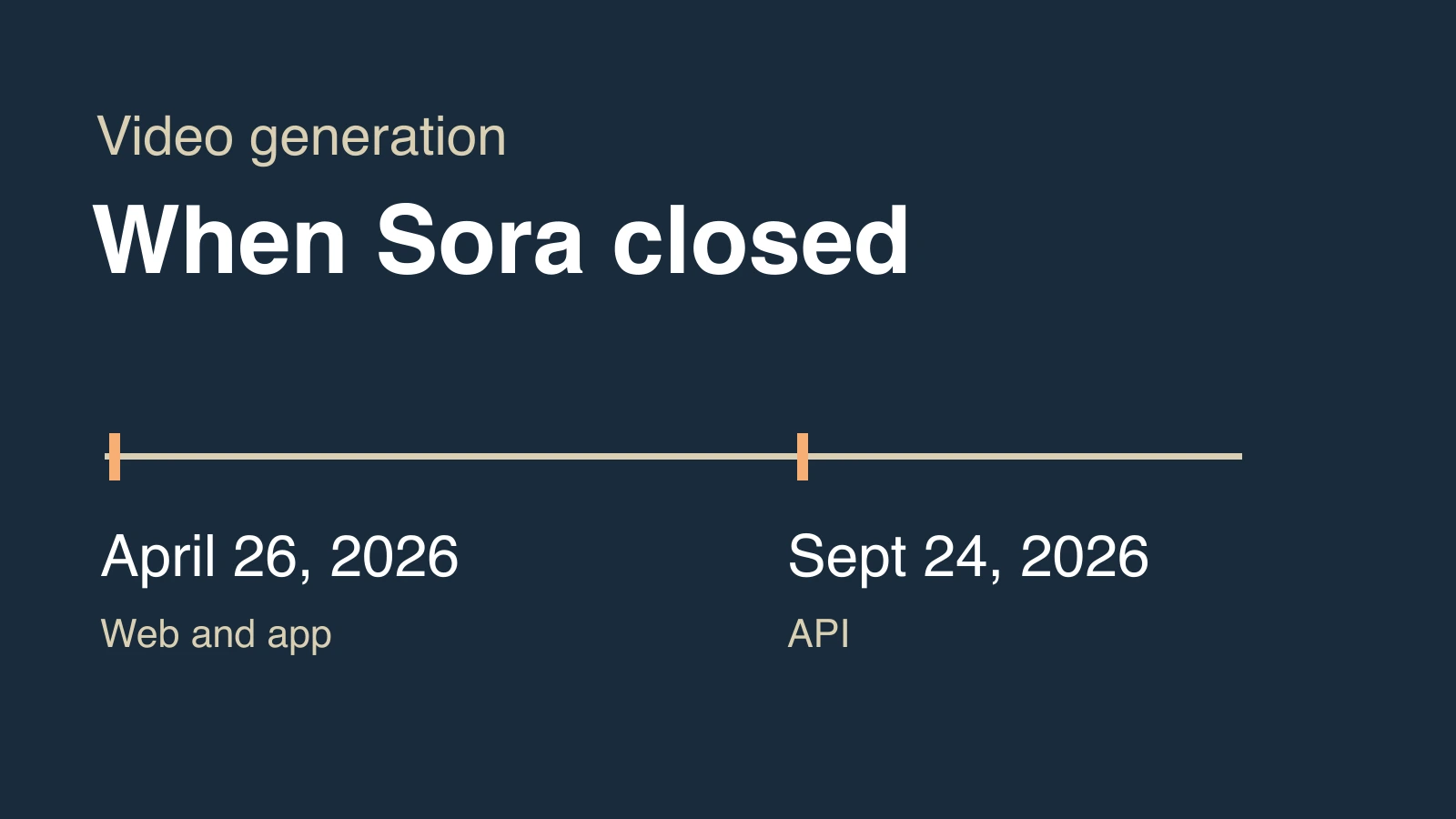
The Sora website and app closed on April 26, 2026. The API lasted almost five months longer, until September 24, 2026. Which one you used determines what to do next. If you need a clip you already made, start with the export. If a script used Sora to make a new clip every morning, you need a new rendering job. OpenAI’s discontinuation notice
Recover an existing clip
OpenAI directs former users to the sunset page. Sign in with the account that created the videos, select Export, and watch for the email when the export is ready. OpenAI says it will notify users by email if it offers a final export window. Sora export page
Replace one API call with a Seedance job
Pick a shot you can judge on its own. For example, ask for a red paper boat drifting across a puddle, five seconds long, in a single locked-off shot. You can inspect the result for three things: the boat stays in frame, the camera holds still, and the clip lasts the requested time.
The OOMOL Seedance API guide includes a JavaScript example using the Ark Runtime client. Set the Fusion API token on the server, choose a model from the guide, and pass the prompt, duration and resolution to createContentGenerationTask. Save the returned task ID before doing anything else. Rendering runs asynchronously. Use getContentGenerationTask with that ID to check progress and retrieve the result when ready. Submitting the prompt again creates another job and can incur another charge. Seedance API example and model list
Run the same shot from an MCP client
For Claude users who already have a paid Higgsfield account, Higgsfield MCP draws on that account’s credits. Higgsfield’s account requirements
For an MCP client, generate the OOMOL configuration for your team and list the available tools. Look for seedance.submit_video_generation and seedance.get_video_generation. Before approving the paper-boat shot, check the model, duration, resolution and price. Save the task ID and use the result tool to retrieve the clip. If the shot works for your storyboard, you now have the settings and the cost estimate for planning the remaining shots. Set up OOMOL MCP